
EAST COAST COMPUTERS
"It'll feel like you just unboxed it — that's the power of our repairs.
Your tech problems? Solved. We deliver fast, affordable repairs for all — starting with a full diagnostic that tells us exactly what’s wrong.
About Us
At East Coast Computers, we believe technology should work for you — not against you. Our mission is to deliver professional, reliable, and affordable solutions with honesty, integrity, and a commitment to fixing what’s broken the right way.
From everyday users to small businesses, we’ve built our reputation on providing comprehensive computer services for both PC and Mac systems. Whether it’s a sluggish laptop, a cracked MacBook screen, a failing hard drive, or an office network in need of support, we bring devices and systems back to peak performance with care and precision.
Our team has years of experience across repairs, upgrades, networking, security, and custom system builds. We also specialize in custom gaming rigs, offering high-performance builds designed for gamers, streamers, and creative professionals.
What sets us apart is our integrity-driven approach — we don’t cut corners or push unnecessary services. Instead, we take the time to understand your needs, explain solutions clearly, and provide trusted service every step of the way.
Whether you’re a home user who just needs their Mac running like new, or a business owner who relies on stable, secure systems, East Coast Computers is your local partner for smarter, faster, and safer technology.
OUR SERVICES
🛠️Computer Repair
We diagnose and fix all types of computer PC and Mac issues — from hardware failures to software crashes. Whether your system won’t boot or just needs a tune-up, we’ll get it running like new.
🧑💻Help Desk Support
Our friendly help desk team delivers fast, remote or in-person support for everyday PC and Mac issues. No jargon, no hassle — just clear solutions that get you back on track.
📈IT Support Services
Our IT experts keep your PCs, Macs, and networks secure, stable, and up to date. From virus removal to upgrades and troubleshooting, we make sure your technology always works for you.
🧠Tech Consulting
From small offices to startups, we help you plan smarter IT strategies — whether it’s cloud migration, equipment upgrades, or scaling your infrastructure.
🔐Data Recovery & Backup Solutions
Lost your files? We recover important documents, photos, and memories from PCs, Macs, or external drives — and help set up secure backup systems to protect your future.
🕵️♂️Cybersecurity & Network Management
We protect your digital world — at home or in the office. From firewall setup and virus protection to secure Wi-Fi networks and encrypted backups, we safeguard your PCs, Macs, and sensitive data from today’s cyber threats.
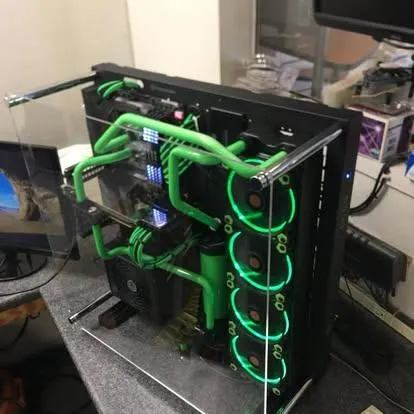
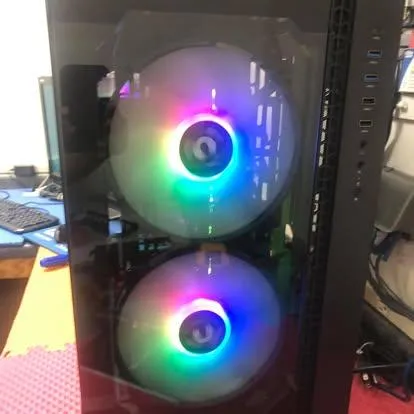
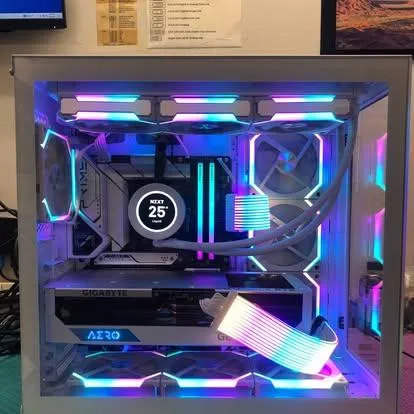
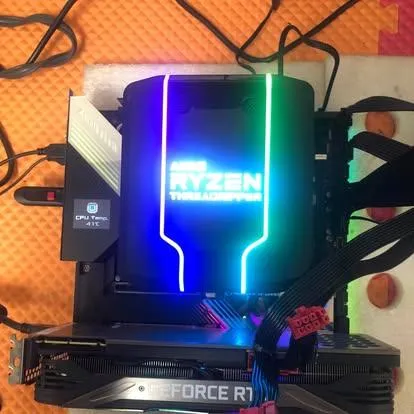
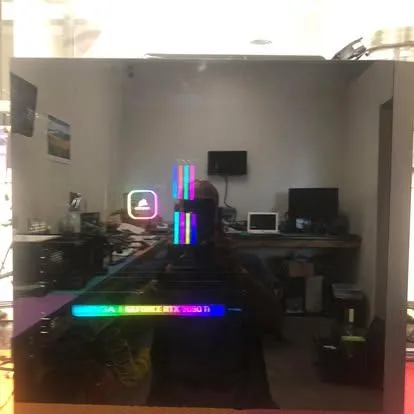
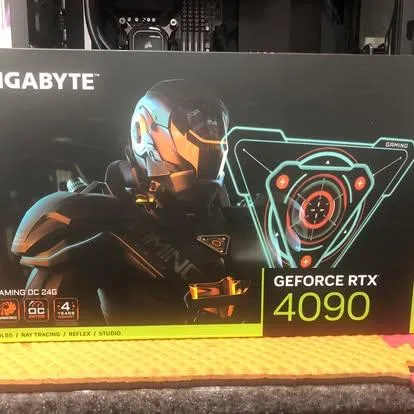
🎮 Custom Gaming PC Builds
Built for speed. Tuned for domination.
At East Coast Computers, we don’t just build PCs — we build your ultimate gaming experience.
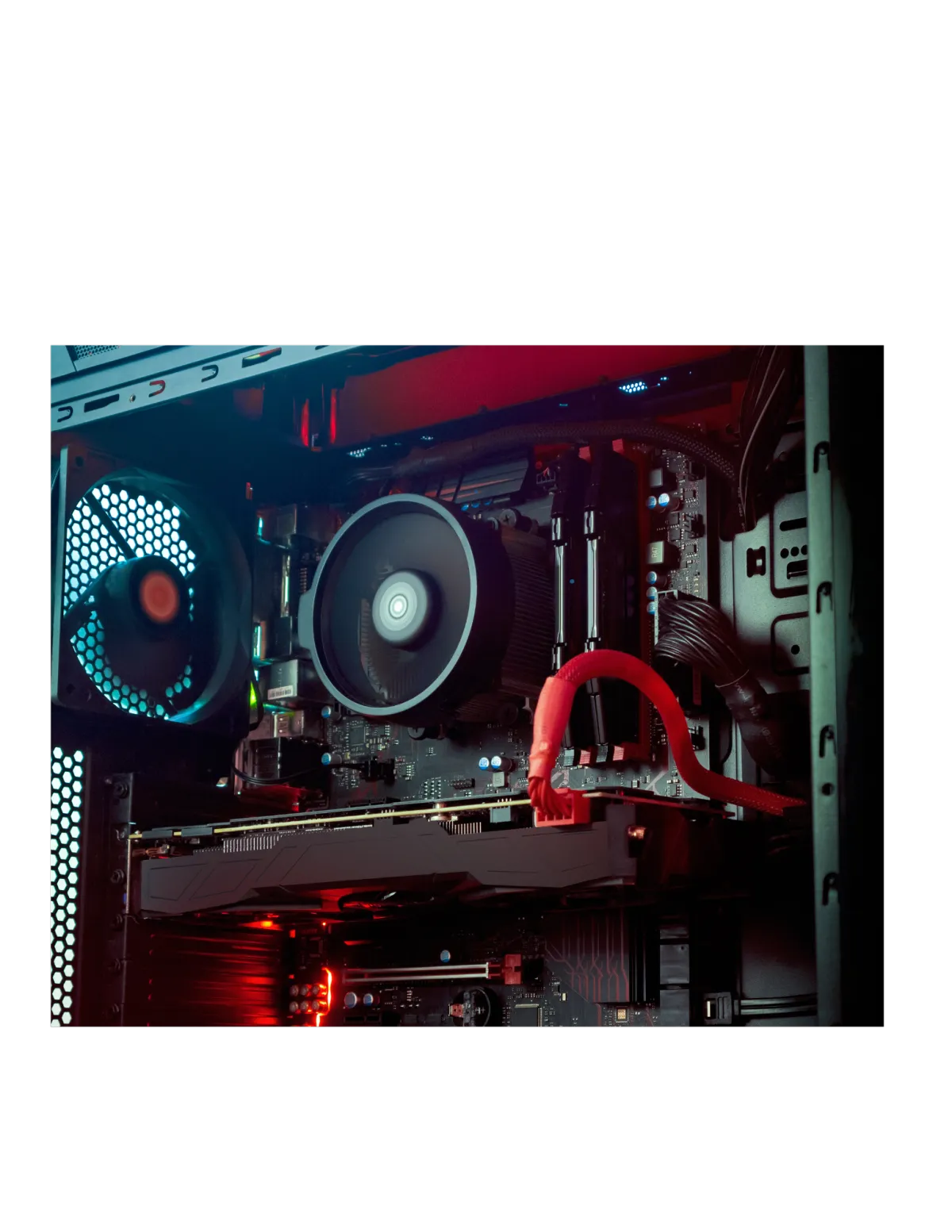
Our expert technicians design and build custom gaming systems that match your style, specs, and budget. Whether you’re chasing high FPS in competitive esports, streaming in crisp 4K, or creating high-end content, we bring your dream rig to life.
Each system is hand-built with precision hardware, pro-level cable management, and advanced cooling solutions — engineered for maximum performance, stability, and visual impact.
No prebuilt shortcuts. No compromises. Just raw power, customized for you.
Have questions or ready to start your build?
Call us anytime — we’re here 24/7/365 to help you plan, design, or upgrade your setup.
📞 East Coast Computers – Let’s build the system you’ve always imagined.
🧰 Complete Computer Health Check
We’re a trusted local business offering professional repair services for laptops, desktops, and custom-built PCs. Whether you’re an individual or a business, our solutions are fast, reliable, and tailored to your needs.
Our experienced and certified technicians perform a full system health check — identifying hardware failures, software issues, performance bottlenecks, and security risks — so your device runs like new.
Expect friendly service, expert advice, and repairs you can trust.

Add or Remove Toolbars on the Taskbar
Press Windows + R → type gpedit.msc → click OK
Go to: User Configuration → Administrative Templates → Start Menu and Taskbar
Open Prevent users from adding or removing toolbars
Set it to Not Configured (or Disabled) → click OK
Set Up Parental Controls
In the Windows search bar, type Family Options
Open Family Options under Settings
Create an account for your child and enable parental controls
Windows will automatically enable screen time limits and activity reporting
Remove Malware in Windows 10
Open Windows Security
Select Virus & Threat Protection → Scan Options
Choose Windows Defender Offline Scan → click Scan Now
After restart, check results under Protection History
Protect Your Computer from Thunderstorms
Plug devices into a surge protector or battery backup (UPS)
Consider a whole-house surge suppressor for maximum safety
Unplug during severe storms if possible
Clean & Free Space on Your PC
Press the Windows key, type Disk Cleanup, and press Enter
Choose the drive you want to clean
Select items (temporary files, cache, etc.)
Click OK → Delete Files
Stay Safe with Microsoft Updates
Open Settings → Update & Security → Windows Update
Install all critical updates
Updates patch security holes and protect your files & privacy


CONTACT US
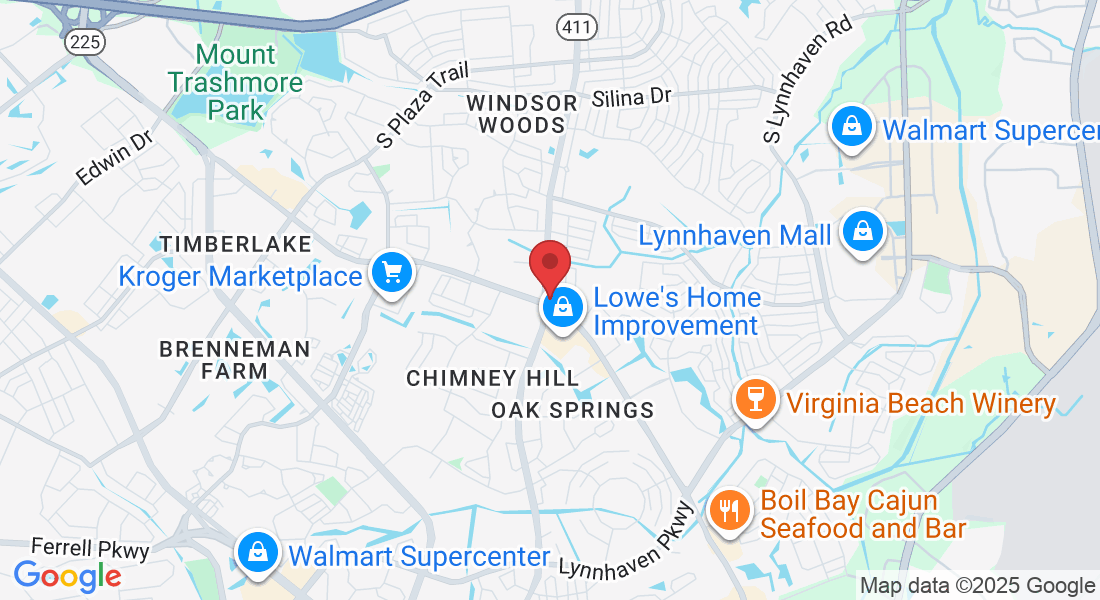
3590 Holland Rd. Suite 112
Virginia Beach, VA 23452
Phone: +1 (757) 498-9300
Fax +1 (757) 498-6051
Email: [email protected]


© 2020, East Coast Computers . All rights reserved.